Build and speak messages
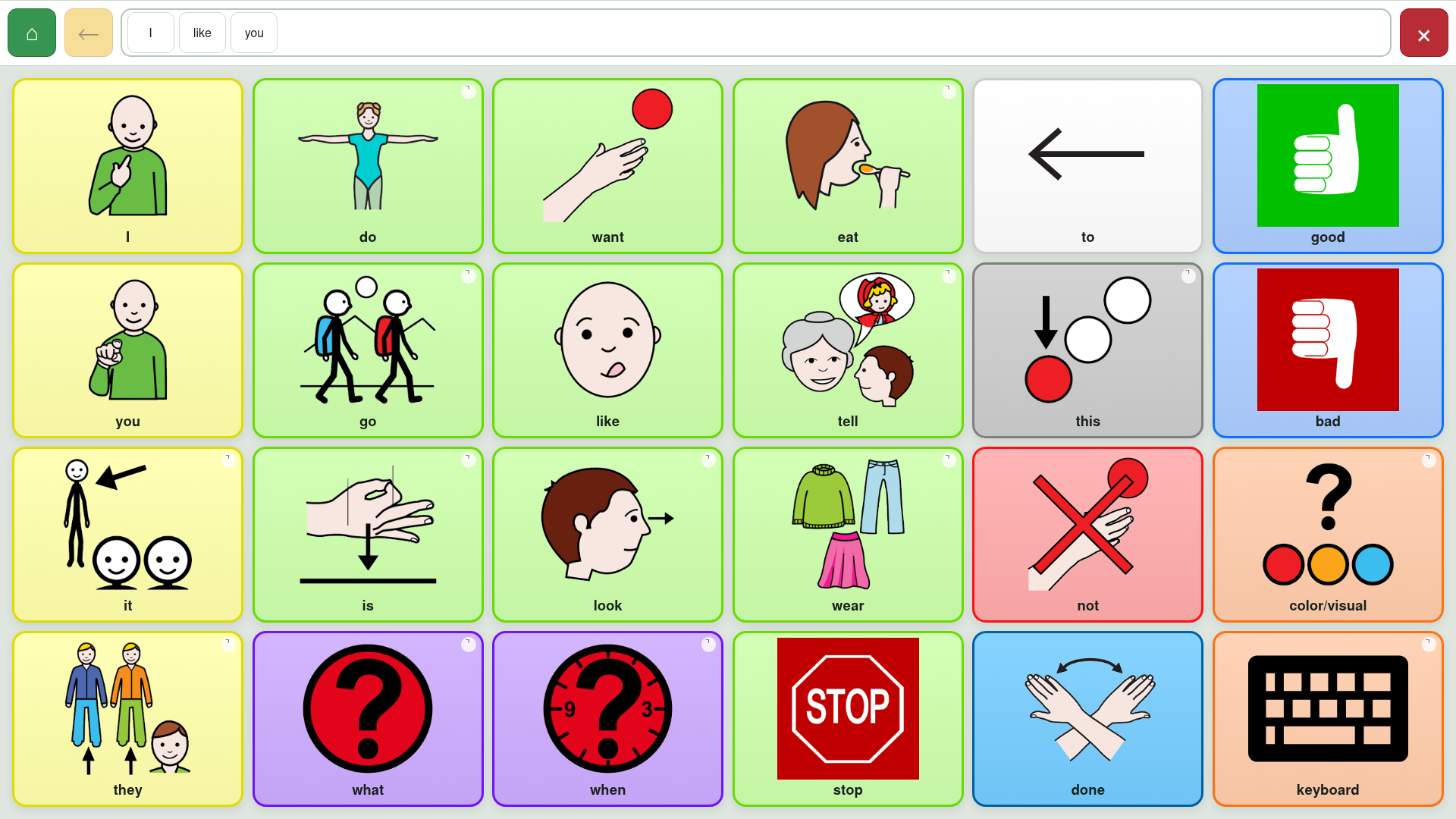
Tap words or symbols to add them to the message. Tap the message row to speak it aloud.
Augmentative and alternative communication
LibreAAC is a free, ad-free communication app for Android tablets. It works offline during normal use and keeps communication boards on the tablet.
Google requires at least 12 testers to remain opted in for 14 consecutive days before LibreAAC can apply for public release. Send the email address of the Google Account you use with Google Play. I add testers manually and will reply with the opt-in link, usually within 24 hours.
Simple everyday communication
Tap words or symbols to add them to the message. Tap the message row to speak it aloud.
Follow links without losing the message you are building. Home and Back remain available.
Choose display, voice and switch-scanning settings. Editing controls stay hidden during everyday use.
Ready-made boards included
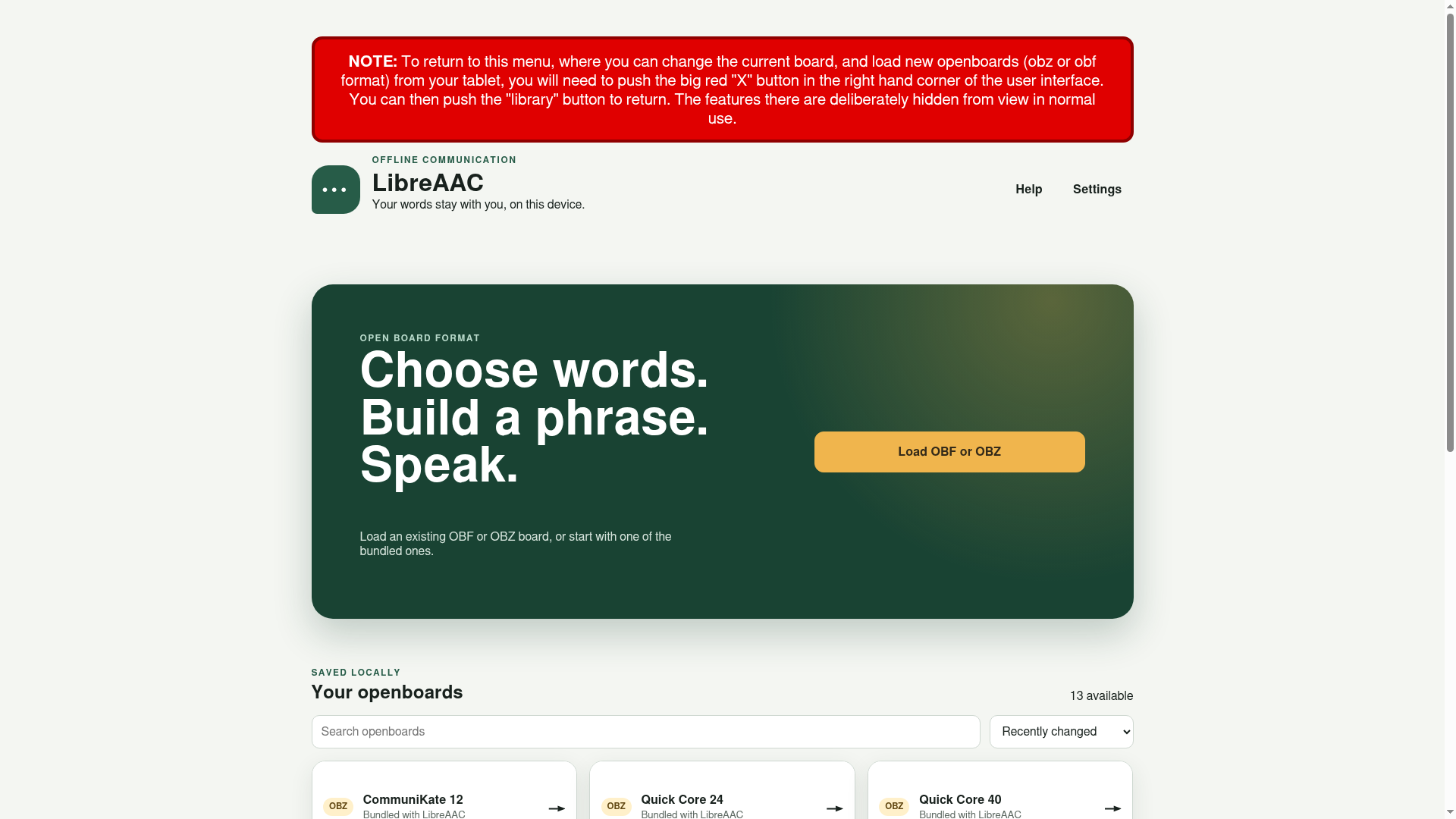
LibreAAC includes nine communication board sets from OpenAAC and CoughDrop contributors. Each retains its original Creative Commons licence and attribution.
Get started in three steps
Install from Google Play testing or download the APK. LibreAAC supports Android 8.0 and later.
Installation guide →Start with an included board, or open an OBF or OBZ file from the tablet.
Choose a board →Adjust the display, speech and access settings for the person using it.
Adjust settings →LibreAAC has no account, advertisements, analytics or LibreAAC cloud service. Boards and settings remain on the tablet unless you choose to export a file.
Follow the first-use guide to open a board and learn how to return to the board library.
LibreAAC is free software licensed under GPL-3.0-only.